
Platforms:
Multi-AI integration consolidating ChatGPT 3.5/4, Claude 3, and Gemini 1.5 Pro in a single platform for versatile AI support
Group AI Chat feature that consolidates responses from multiple AI technologies simultaneously for diverse insights and solutions
Comprehensive web assistance offering reading and writing support on any webpage with context-aware intelligence
Chat with files capability supporting PDFs, images, links, and documents for instant information extraction and analysis
Chrome and Edge browser extensions with seamless integration and keyboard shortcuts for instant AI access
Article scanning and summarization identifying key points and providing explanations for any concept directly on web pages
Comparison functionality evaluating answers between different AI models and human responses for optimal results
Cross-platform accessibility with planned iOS, Android, Mac OS, and Windows apps for comprehensive device support

Magictrips revolutionizes the way you envision and execute your next adventure.

This AI-powered Dream Interpreter unlocks the hidden meanings within your nocturnal visions.

TimeOS is an intelligent AI meeting assistant designed to revolutionize how teams manage their discussions.

Voilà is a powerful browser assistant, copilot and AI writer designed to level up productivity with everyday tasks through simple keyboard shortcuts for creating content, responding to emails, improving writing, brainstorming and research.
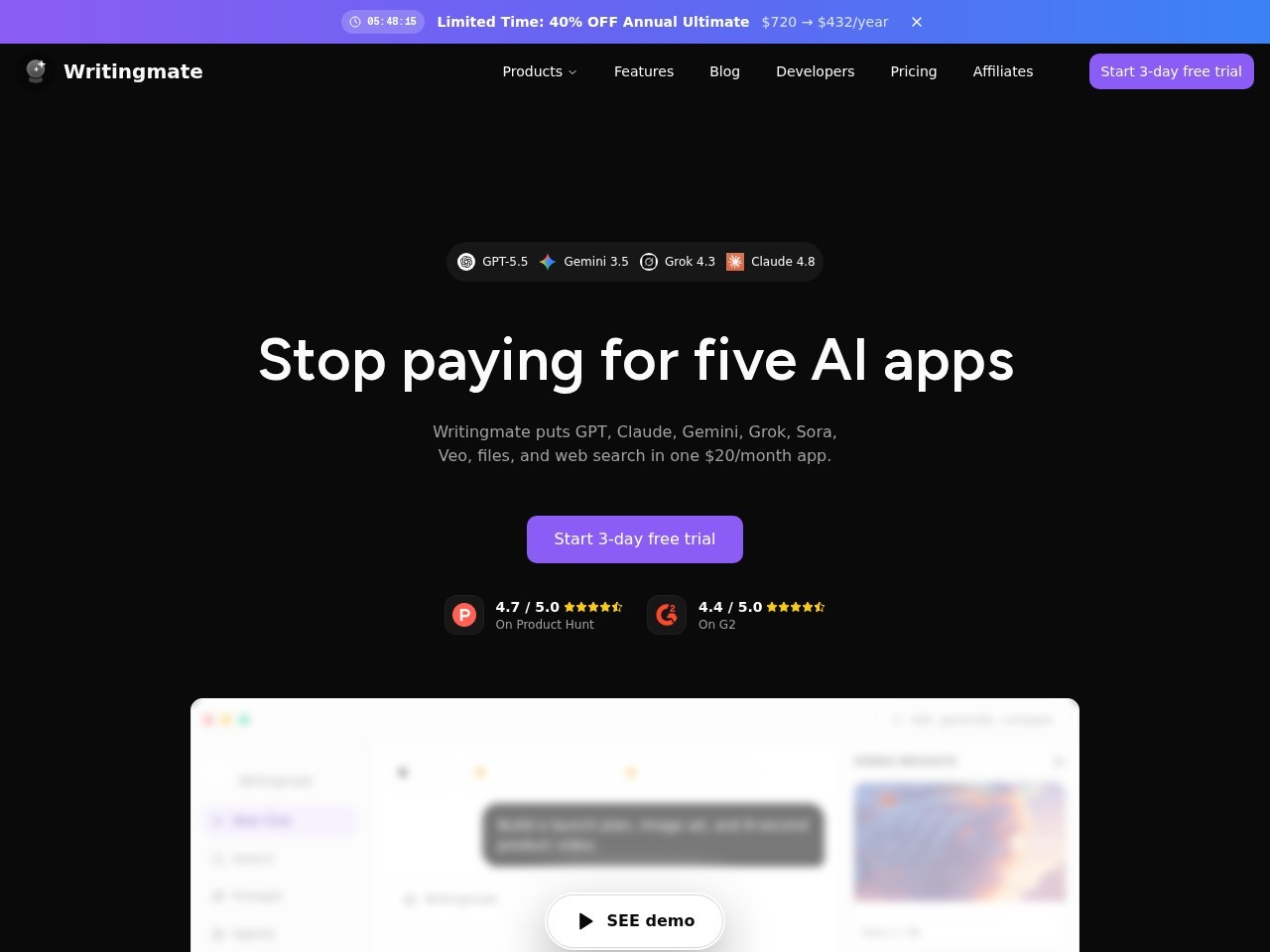
WritingMate is an all-in-one AI platform that provides access to 200+ flagship AI models including GPT-5, Claude, Gemini, Perplexity, and DALL-E in a single interface for the price of one subscription.
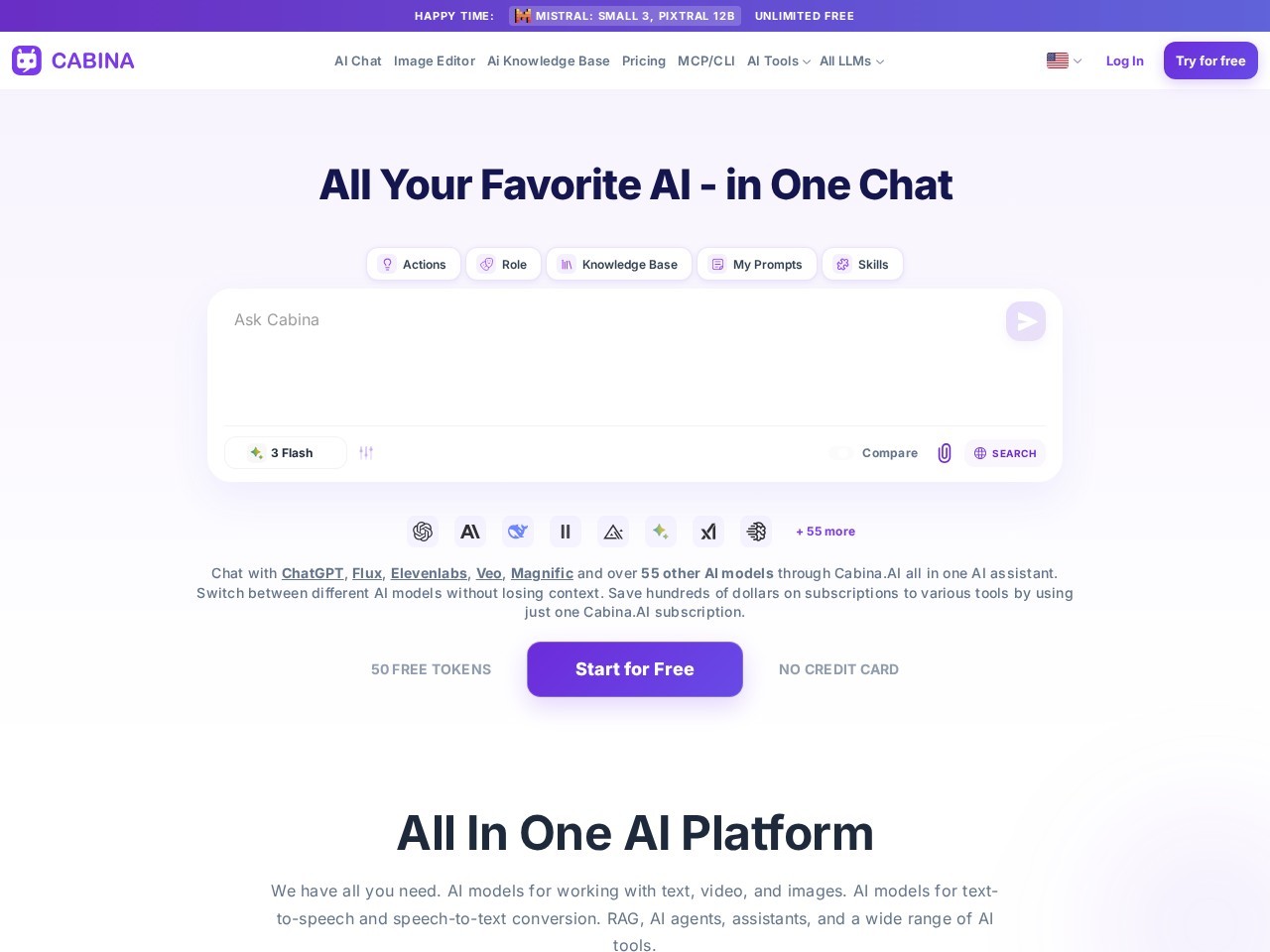
Cabina AI is an all-in-one AI workspace that consolidates 30+ leading AI models including ChatGPT, Claude, Gemini, DALL-E, Midjourney, Stable Diffusion, and ElevenLabs into a single unified interface.